Annotation
Image level annotations
If you have uploaded images to the Unclassified field, you can start annotating them by clicking on the Annotate button in the top right corner of the Unclassified field, otherwise skip this section. You can choose between two different annotation modes: Detail Annotation and Grid Annotation.
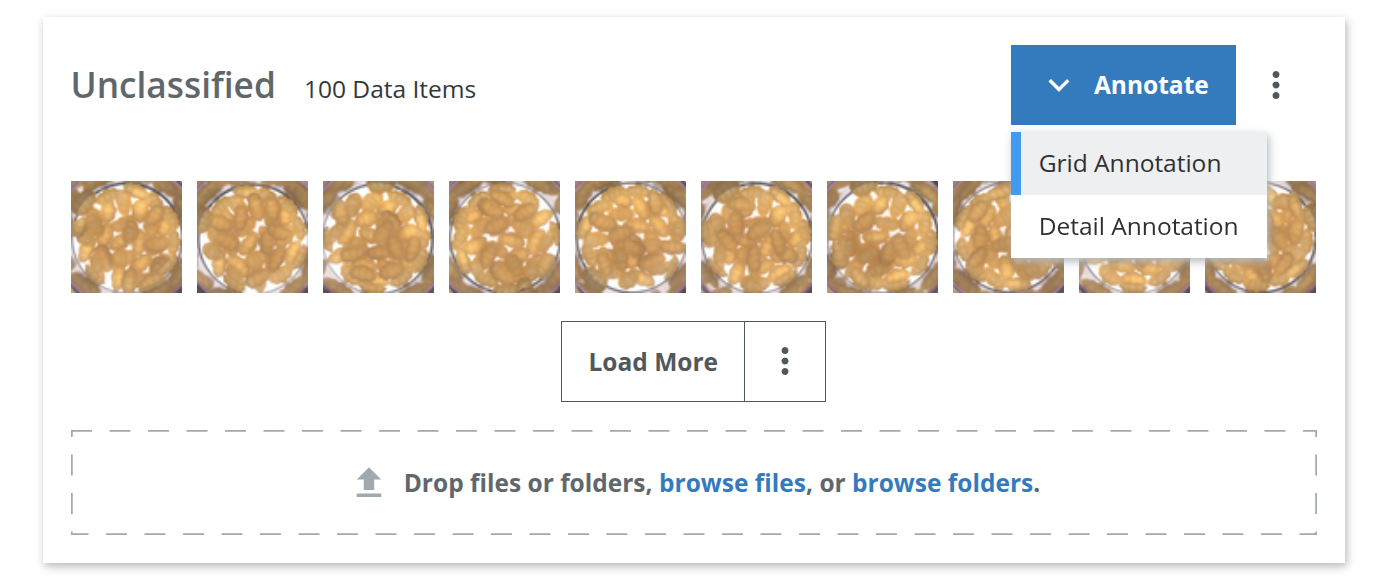
Detail Annotation is useful if you want to annotate images one by one, while Grid Annotation is useful if you want to annotate multiple images at once. This will start an annotation job where you can classify the images into "Good" or "Bad".
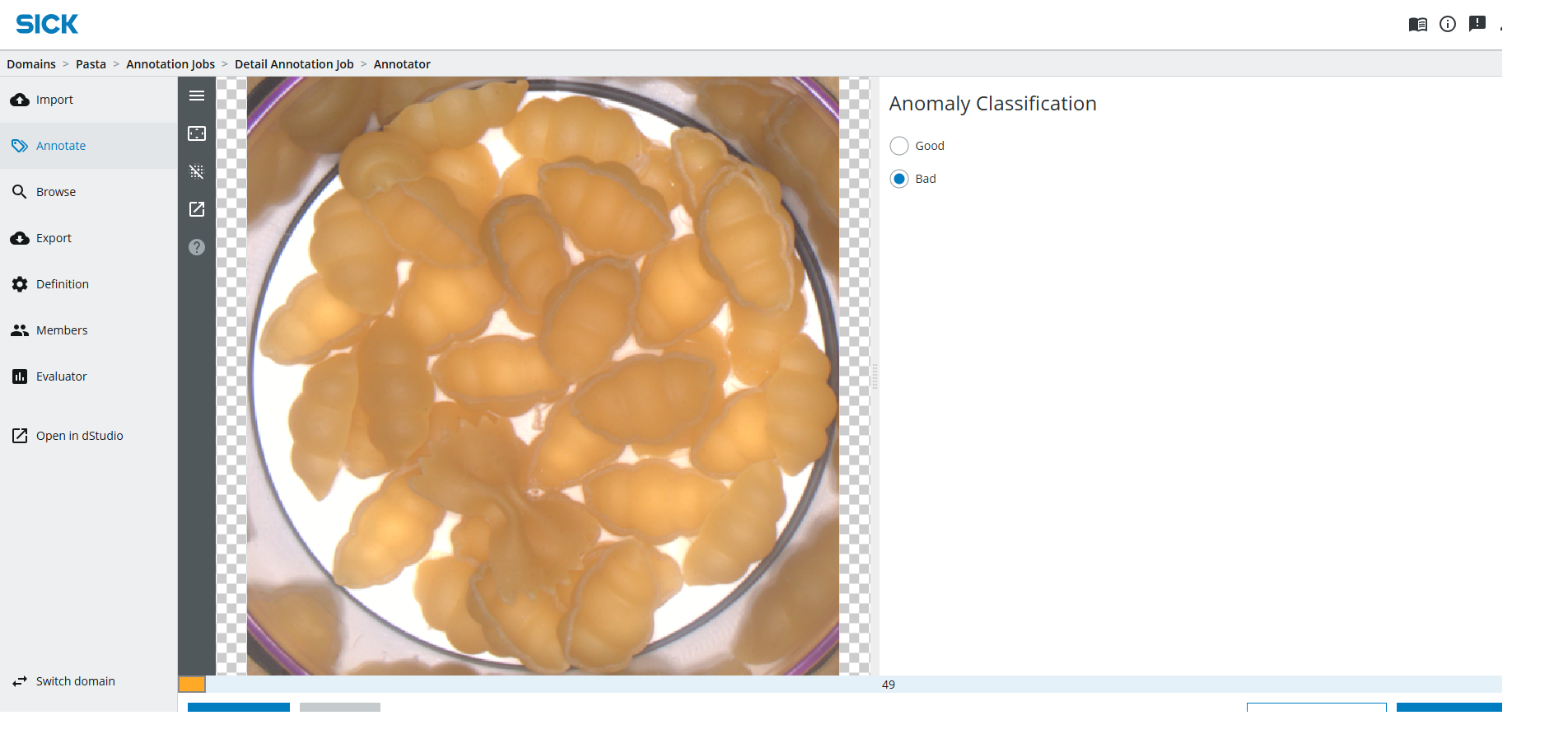
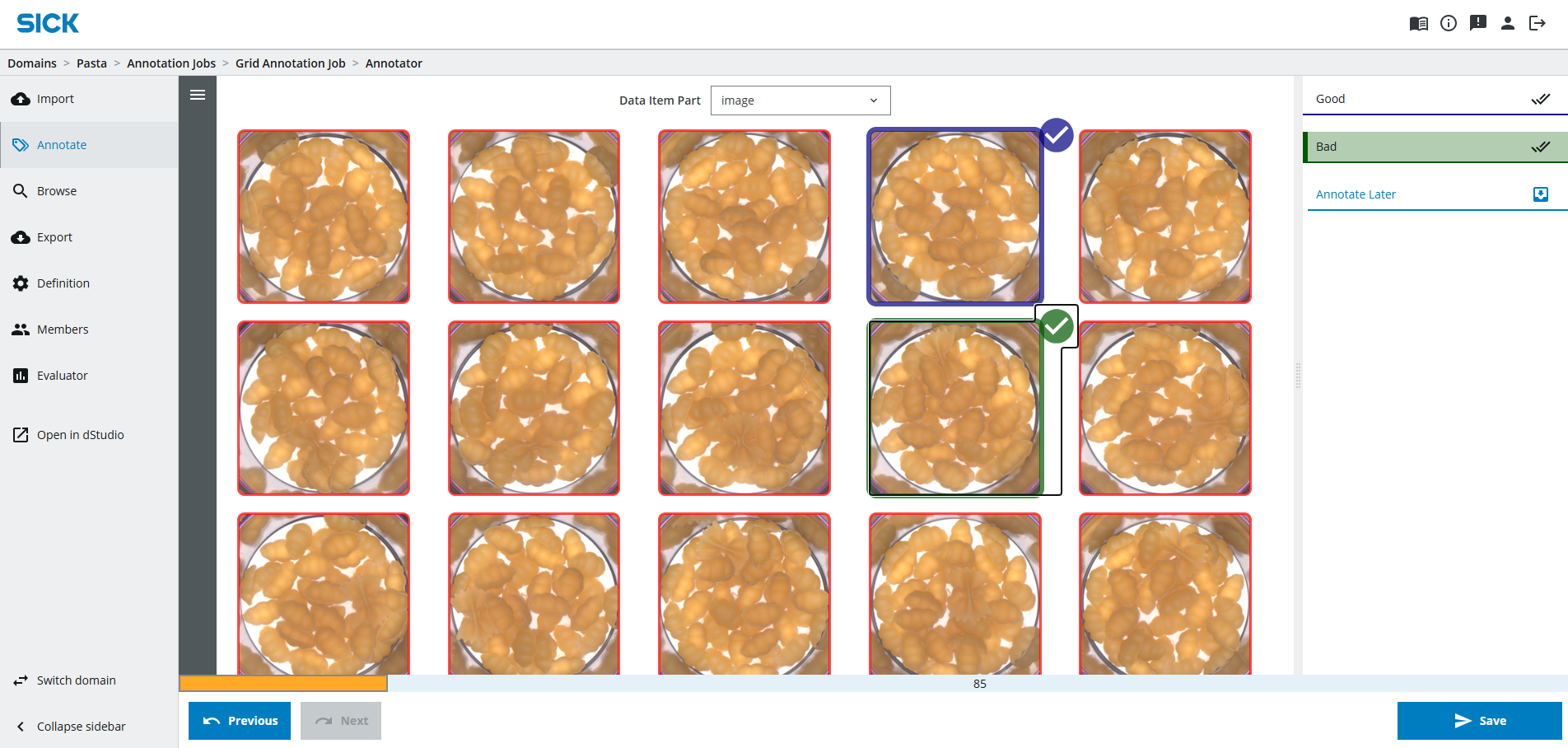
You are redirected to another page where an "annotation job" has been created.
Annotation jobs
To structure the annotation work an annotation job holds all the data of a domain when it is created. You can send the link to a colleague to help with annotation (see Collaboration), multiple people can work on an annotation job at the same time.There are predefined hotkeys which will make it faster to annotate the images. By pressing the a or s key you can select the "Good" or "Bad" class respectively.
Review or change the hotkeys
Click on the burger menu in the annotation job and select "Show Annotation Job instructions" to see the hotkeys. Click on the edit icon next to the Automatic Hotkey Set to review or change the hotkeys.Find out more about advanced data handling
The underlying dStudio data handling service provides many useful options to further structure data for example:- Sharing data with colleagues
- Annotating data with metadata, like the source of the data
- Filtering data and creating snapshots of subsets of the data
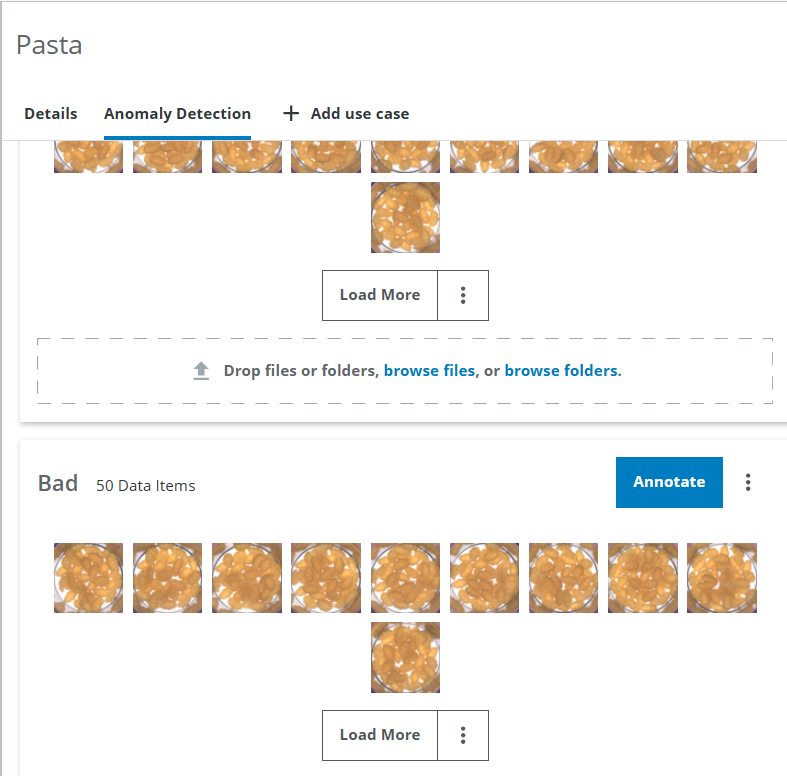
When all images have been annotated, you can return to the Domains page in dStudio by clicking on the "Open in dStudio" button in the navigation side panel. You can see now, the images are sorted in their respective classes.
Segmentation level annotations
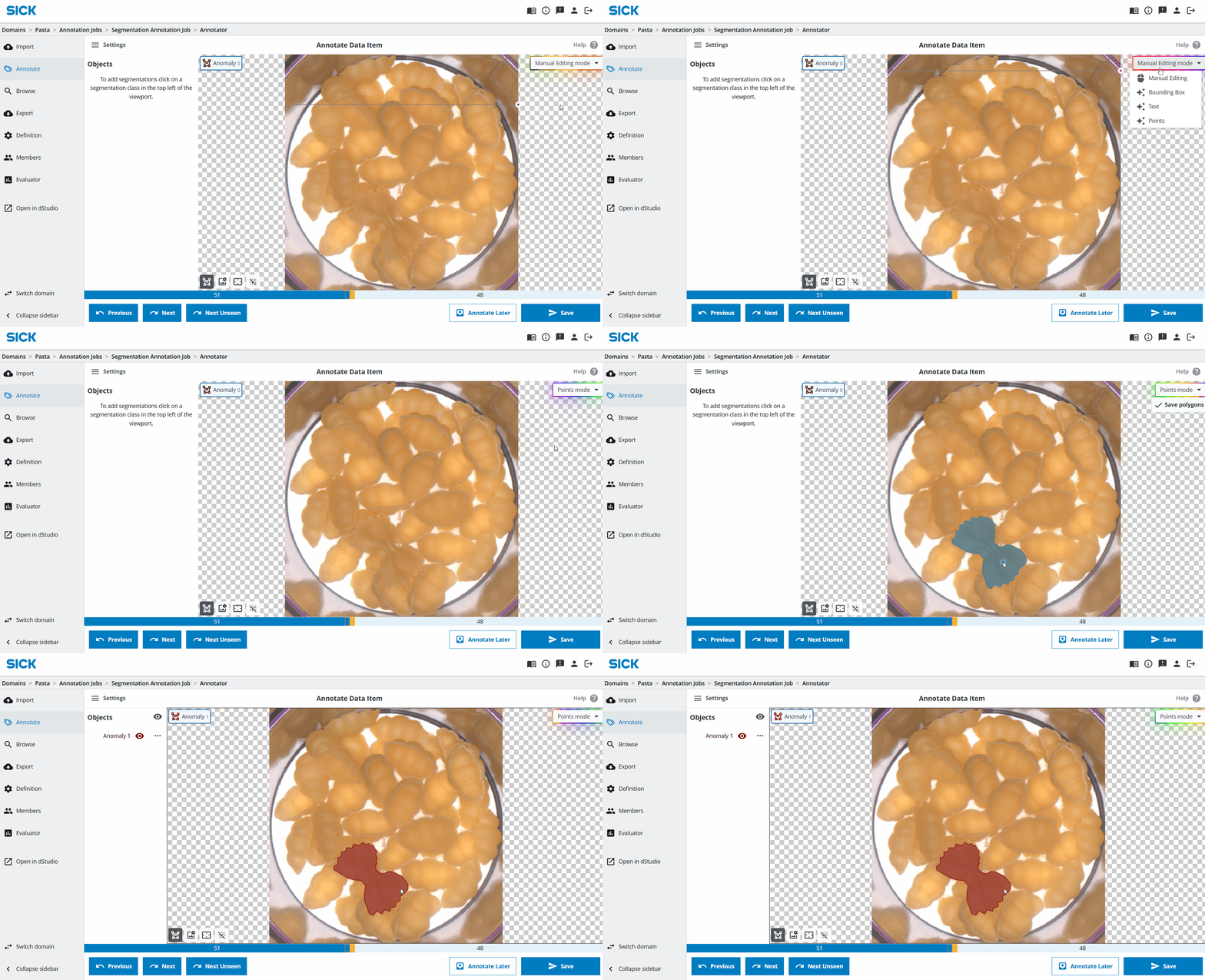
Optionally you can annotate the images on a segmentation level. This means you can mark the exact area of the image that is anomalous. To start the segmentation annotation, click on the Annotate button in the top right corner of the Bad field.
You can annotate using a manual approach, or using the Assisted Object Annotation too. You can learn more about the different options in the Annotating images section of the Object Finding online tutorial.