Introduction
This part of the tutorial will guide you through the process of using the Object Finding workflow. Most steps could be done either in dStudio or in dTag - this tutorial will focus on the workflow in dStudio. dTag contains some more options for the advanced user, but for most users the dStudio workflow is sufficient. You can learn more about the dTag workflow here.
Let's get started
Log in with your SICK ID. If you do not have a SICK ID yet, you can register here: SICK ID Registration
Important: Please go along with the tutorial on your own as you read it. You should be doing all the steps simultaneously to really experience all the features and be prepared for your own application.
Example data set
You can use data from your own application if you wish, or you can use one of the provided data sets:
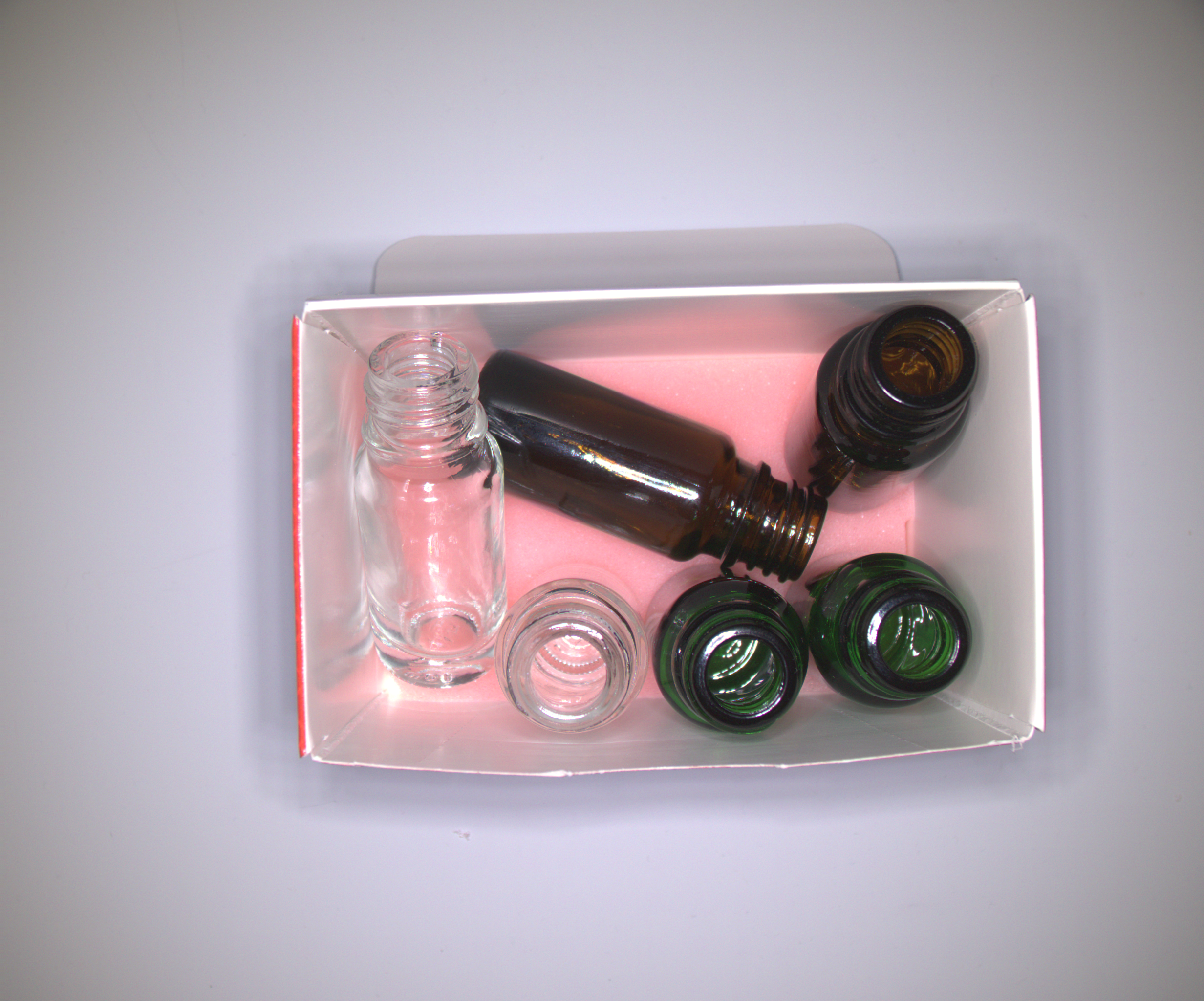
- The vials.zip data set for object finding bounding box (object detection) networks. Download the vials example data by clicking here.
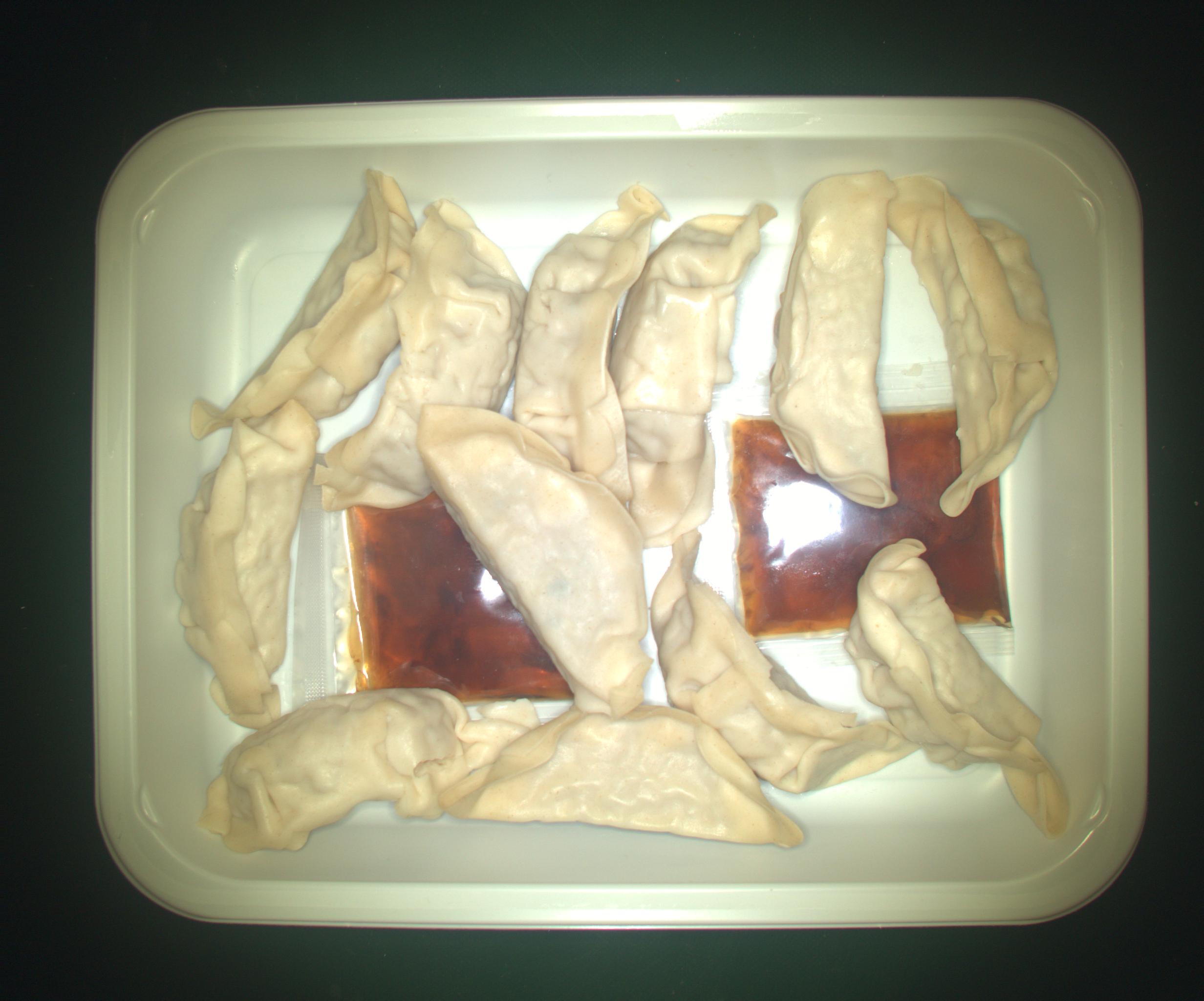
- The dumplings.zip data set for object finding pixel mask (instance segmentation) networks. Download the dumplings example data by clicking here.