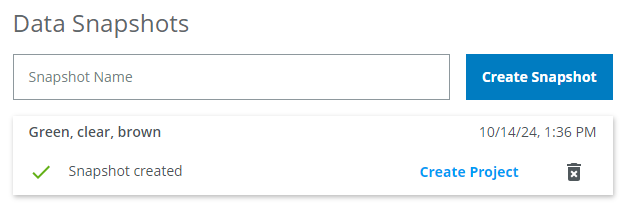
Create a Data Snapshot for network training
ℹ️ Note: The snapshot creation process is the same for instance segmentation as for object detection.
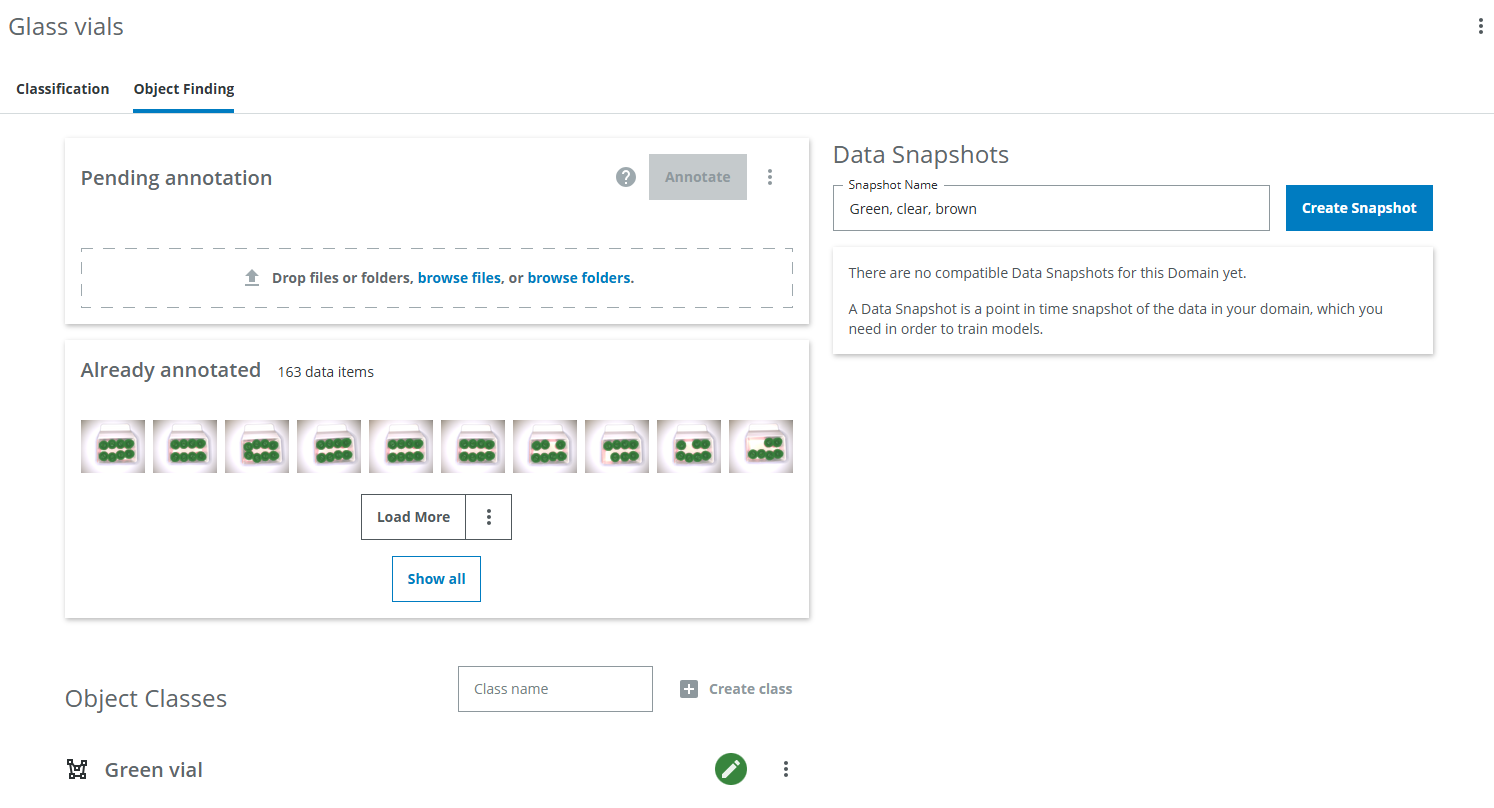
In order to start the training of a network, a Data Snapshot needs to be created which contains the annotated images. A Data Snapshot is a point in time snapshot of the data in your domain. This means that if you add, remove or edit annotations, you need to create a new Data Snapshot in order to include those changes.
Give the Data Snapshot a name which makes it easy to distinguish it from others in the future. It could include the date or other information describing the changes compared to the previous Data Snapshots, eg. "Green, clear, brown, blue" if you add another vial type with blue glass or "Higher contrast images".
I want to filter which classes are included in the Data Snapshot or combine classes into one
You can set up filters, combine classes and more by creating an Export and Snapshot in dTag. On the right, click on the three dots symbol and click Manage domain. Then click on EXport on the left. Then follow the instructions on how to create an Export in the dTag tutorial section.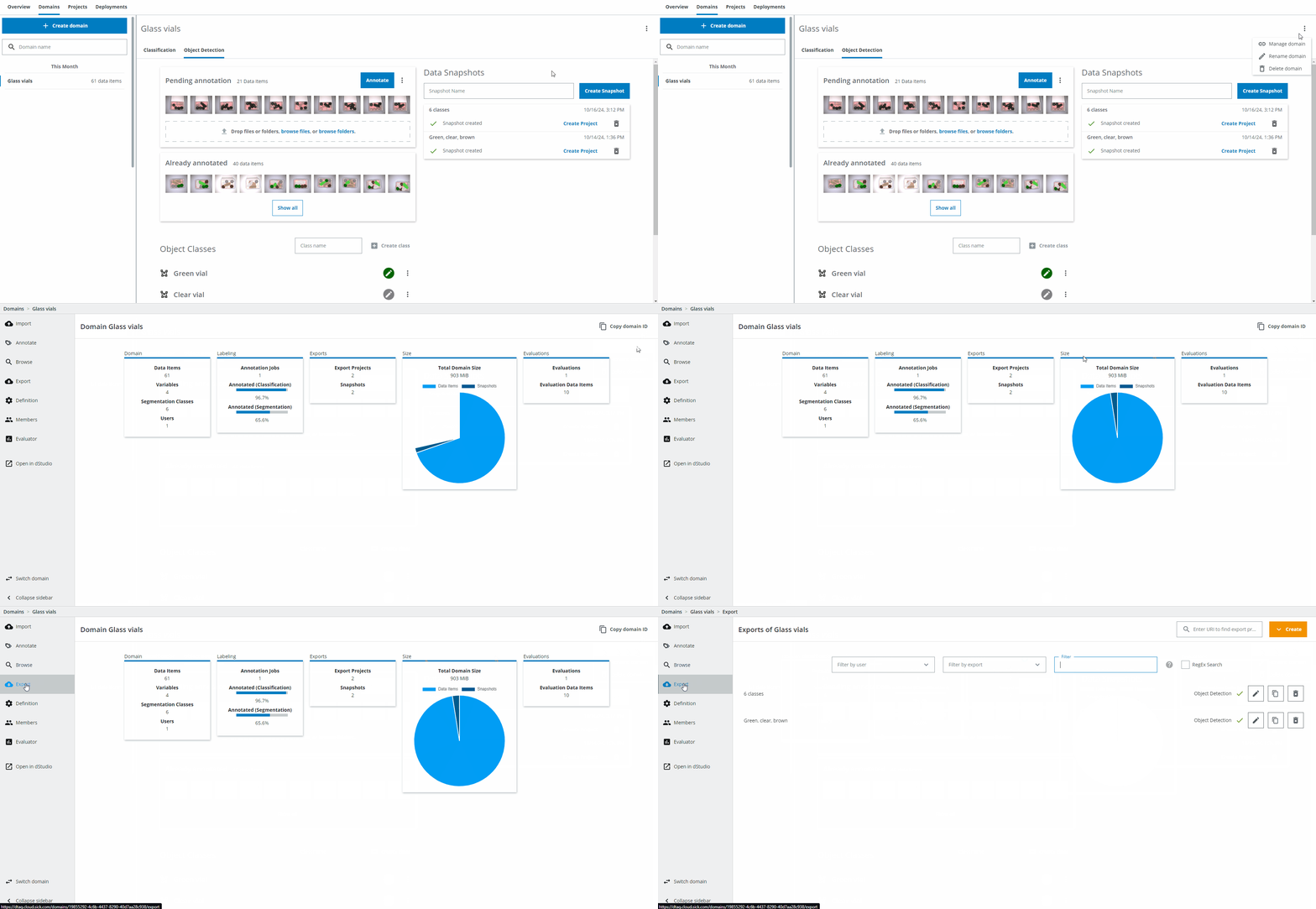
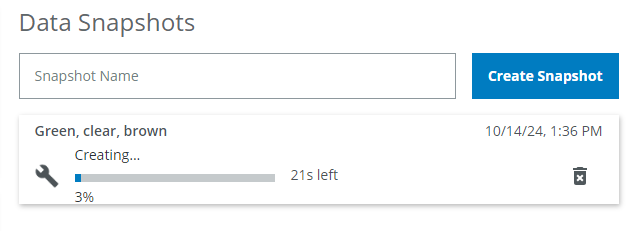
Depending on the size of the Data Snapshot, the creation will take more or less time. The expected time for it to be finished is displayed.
Once the Data Snapshot creation has finished, click on the Create Project button. This will take you to the Project setup, where you define the training settings.